

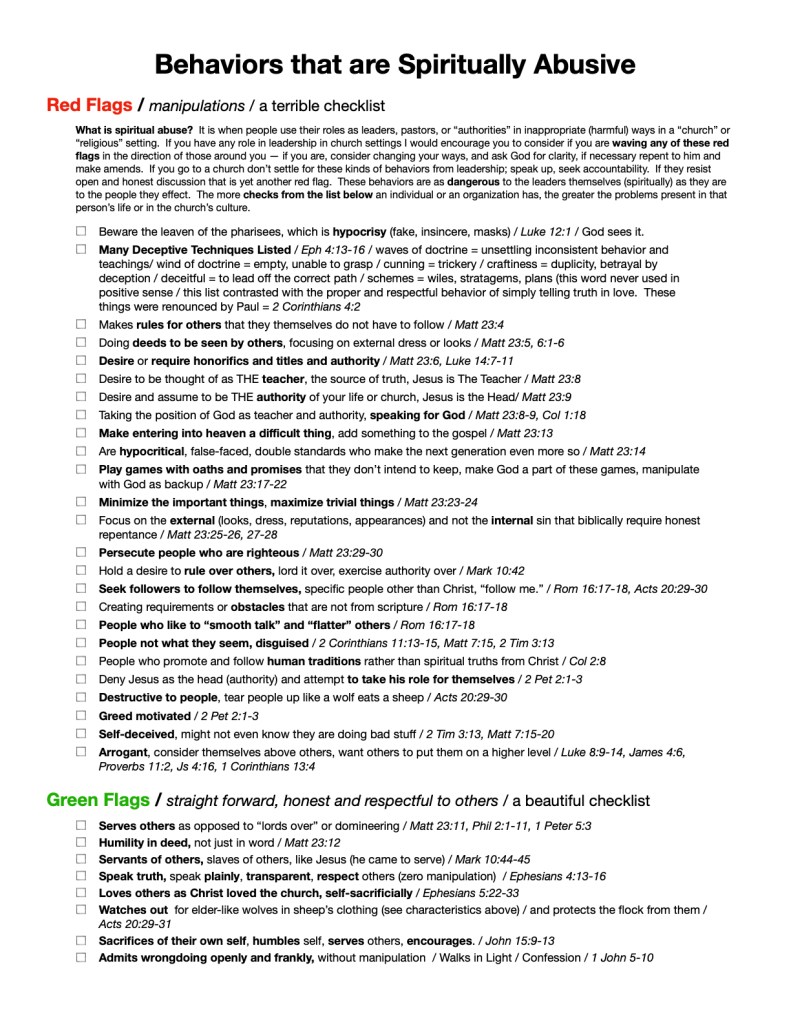
With Logos BIble Software you can make a verse list from a photo of a handout such as the one above. Just (1) open your Logos BIble app, (2) find the “Reference Scanner” from the menu bar in the lower left corner, (3) take a photo of the handout you want and (4) follow the prompts. There, you go. Below is a pdf of that passage list it created from the above handout.
I believe this feature is available in Logos Pro subscrition or higher.





 First Hand Truth
Leave a comment